Dictate or upload audio — for example, a WhatsApp voice note — and DoNexo transcribes it and turns it into an organized task list, ready to review, assign and share.
Important instructions arrive by talking: in a voice note, on a call, in a message from a client or a worker. And that is where they stay.
To rescue what was said you must replay the whole audio, pause and write it down by hand. With several voice notes a day, something always slips through.
Quick notes end up on paper, in chats and in random screenshots. Nobody knows what is still pending or who was supposed to do it.
A voice note can't be assigned, checked off or attached to a report. The work stays untracked.
Three steps, no typing the list by hand.
Record your note inside DoNexo or upload an audio file, such as a voice note someone sent you on WhatsApp.
The AI transcribes the audio on the server, separates each to-do and detects owners and dates when the audio mentions them. You can add a photo or a document to the same batch and everything merges into one list.
The list arrives as a proposal: edit it if needed, confirm it, and you can assign tasks, request photo evidence and share progress with a link.
This is what the step from audio to list looks like (illustrative example).
Audio: "Tomorrow we need to buy the paint for the kitchen, stop by the hardware store to pick up the screws, and call the client to confirm the visit time."
The list DoNexo proposes:
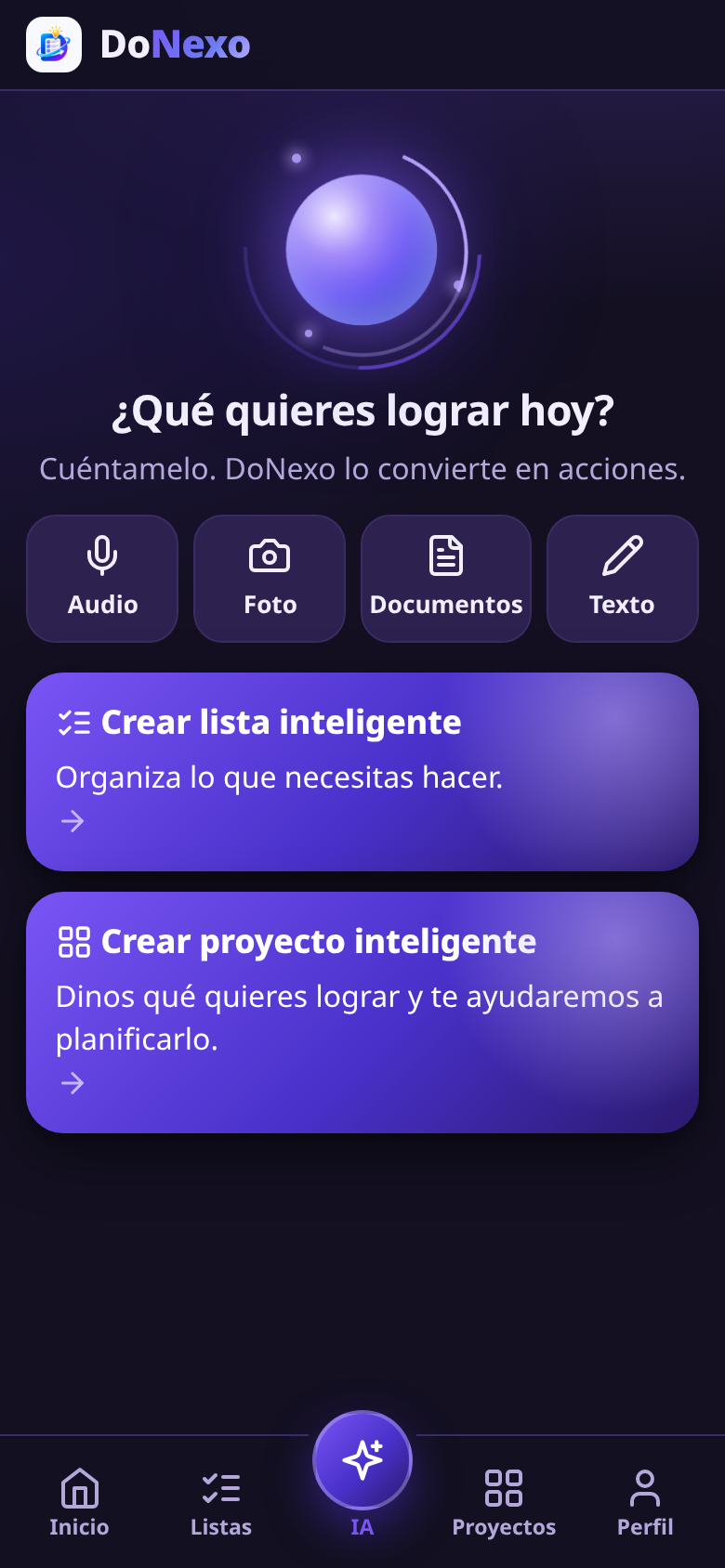
Real screenshot of the app.
Prices in USD, per user per month. Start free and upgrade when you need to.
Secure online card payment. No lock-in: cancel anytime.
Export or share the audio from WhatsApp and upload it when creating your list in DoNexo, or dictate right inside the app. DoNexo transcribes the audio on the server and extracts the tasks for you.
Yes. The AI transcribes the audio and proposes the extracted task list. Nothing is saved without your review: you confirm or edit the list before using it.
Yes. In a single list you can mix audio, photos and documents (PDF or DOCX): DoNexo reads the whole set and generates one combined list.
AI transcription and extraction do need a connection. Offline you can keep working on your lists and tasks, and everything syncs when the signal returns.
You can start free: the free plan includes 20 AI operations per month. Paid plans are Personal Pro $6.99/month, Professional $9.99/month and Business $19.99/month.
Create your free account and turn your first voice note into tasks.
Start free